Oracle EBS DBA & Technical Support | EBS Database Support and Monitoring
Oracle EBS Technical Support: Database, Performance and Infrastructure
- 1.Oracle EBS Technical Support: Database, Performance and Infrastructure
- 2.What Oracle EBS DBA Technical Support Includes
- 3.Proactive Oracle EBS Monitoring: Catching Issues Before They Escalate
- 4.Oracle EBS Patching, Upgrades and Release Management
- 5.EBS Database Performance Tuning and Optimisation
- 6.DBA Technical Support vs Functional Support: How They Work Together
- 7.Speak to an Oracle EBS Technical Support Expert
AppsolveGroup provides proactive DBA and technical support for Oracle EBS environments, helping IT teams move beyond break-fix cycles to stable, well-monitored database infrastructure.
- ✓Reactive-only database management increases the risk of unplanned downtime and performance degradation in Oracle EBS
- ✓Proactive managed support covers monitoring, patching, tuning, and infrastructure health across your EBS environment
- ✓DBA expertise is applied continuously, not just when something breaks
- ✓Support spans database performance, concurrent processing, storage, and application-tier infrastructure
- ✓Decision-makers get clearer visibility into system health without depending on internal resource availability
Oracle EBS Technical Support: Database, Performance and Infrastructure
Running Oracle E-Business Suite on aging or under-monitored infrastructure is one of the more avoidable risks we see in enterprise IT. Yet it keeps coming up.
The platform is genuinely complex — database layer, concurrent managers, application tiers, underlying infrastructure. Each needs specialist attention. And when that attention only arrives after something breaks, problems compound quietly until they become outages.
Most Oracle EBS environments we assess share the same pressure points:
- ✓Tablespace growth nobody's tracking
- ✓Index fragmentation and archive log buildup
- ✓Concurrent programs that were never tuned
- ✓Memory pressure on the application tier
None of these announce themselves loudly. They make the system feel slower, flakier, harder to trust — until one day there's an unplanned outage during month-end close.
AppsolveGroup's technical support for Oracle EBS is built around proactive database administration and infrastructure management. Continuous monitoring, scheduled health checks, patch assessment, storage management, responding to alerts before users start raising tickets. Our DBAs bring EBS-specific database knowledge — not just generic Oracle skills — and work as a direct extension of your internal team.
Related Oracle EBS Resources
The reactive-versus-proactive gap matters more in Oracle EBS than in most enterprise applications. The database schema is large and tightly coupled to application logic. A single runaway concurrent request can affect unrelated modules within minutes. Without structured monitoring and documented baselines, your team stays permanently in response mode.
That's an expensive place to operate.
For IT leaders, the practical outcome is fewer incidents — and faster resolution when something does go wrong. For finance and operations stakeholders, it means more predictable availability and fewer emergency escalations pulling internal resource off planned work.
A well-supported EBS database environment isn't a background concern. It's what keeps the business running on schedule.
Our technical support scope covers Oracle database administration, AWR and performance analysis, patching and upgrade readiness, backup and recovery validation, storage capacity planning, and application-tier infrastructure review. Engagements are shaped around your environment and current support maturity — whether you need full managed DBA cover or targeted specialist input alongside an existing internal team.
What Oracle EBS DBA Technical Support Includes
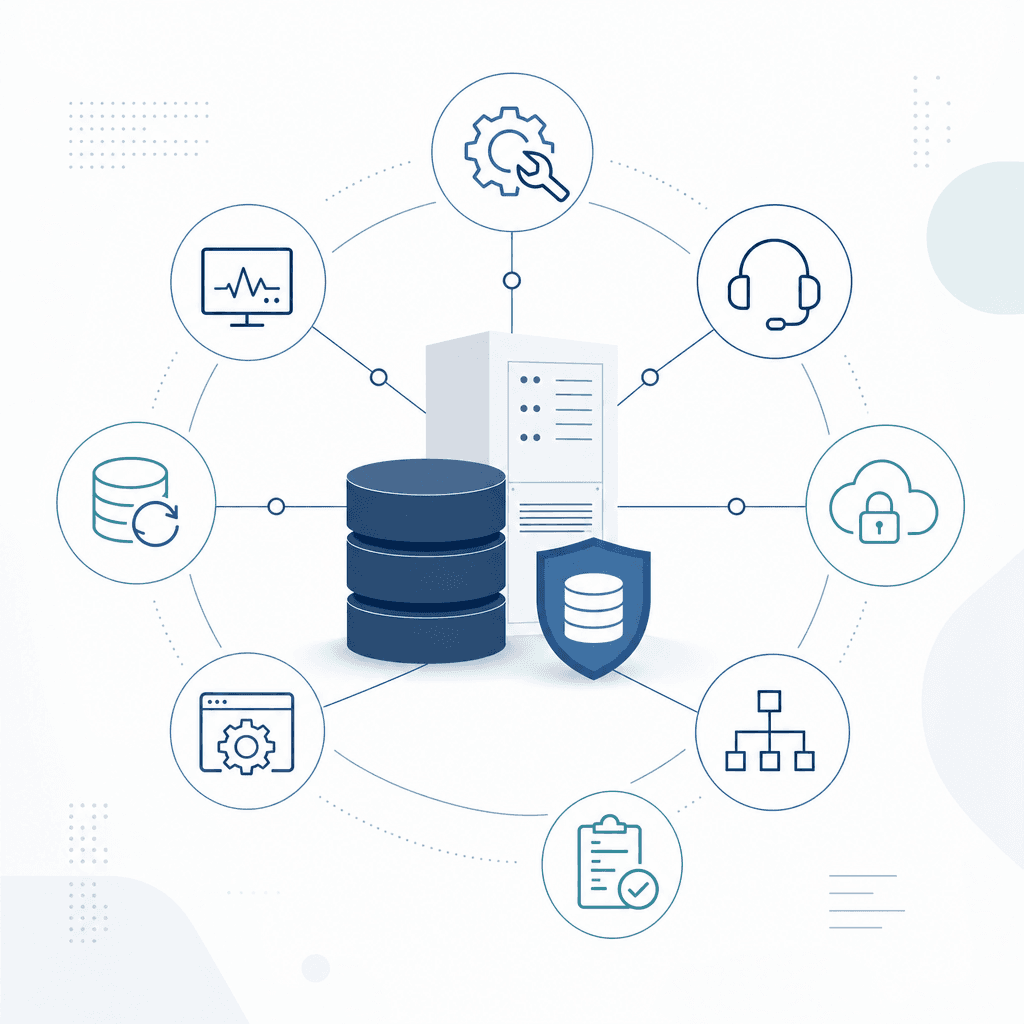
Oracle EBS runs on a complex database infrastructure. It needs specialist administration to stay stable, performant, and secure — and that's not a small ask. DBA technical support covers the full lifecycle of your Oracle database environment, from day-to-day operations and patching through to major version upgrades, so your EBS application stays reliable for the people who depend on it.
- Oracle EBS DBA Technical Support
- Oracle EBS DBA technical support is the ongoing administration, monitoring, and maintenance of the Oracle Database infrastructure that underpins an Oracle E-Business Suite deployment, covering everything from patching and performance tuning to backup, recovery, and environment management.
Database Administration
At its core, DBA support means owning the Oracle Database instances that power your EBS environment. Schema management, space management, user and role administration, keeping configuration aligned with Oracle's recommended settings for EBS workloads. It also means applying critical database patches — including Oracle's quarterly Critical Patch Updates — and coordinating those changes with the application tier.
That coordination piece is where things get missed if you don't have someone who knows both layers.
Environment Management
Most EBS estates run across at least three environments: production, UAT, and development. Each carries different risk tolerance. Each needs to be properly maintained — not just production.
DBA support covers provisioning, cloning, and ongoing maintenance across all of them. Cloning production to UAT, for instance, isn't a generic database clone exercise. It requires careful handling of sensitive data, service name adjustments, and post-clone steps specific to EBS. We see shortcuts taken here regularly, and they tend to surface as problems during testing cycles.
Production-to-UAT Clone
A manufacturing client needed a refreshed UAT environment ahead of a regulatory patch cycle. The DBA team cloned the production database, ran the EBS post-clone steps to update profile options and system administrator passwords, masked personally identifiable data, and had UAT available for testing within a defined maintenance window — without impacting the live production system.
Patching and Upgrades
Oracle releases patches for both the database and the EBS application layer on a regular schedule. On the database side, that means applying patch set updates and interim patches, and coordinating with the apps DBA team wherever patches touch both tiers.
Major upgrades are a different beast entirely.
Moving from Oracle Database 12c to 19c, for example, involves pre-upgrade checks, compatibility testing against the specific EBS application version in play, and thorough post-upgrade validation. The tricky part is that EBS has its own certification requirements — you can't just upgrade the database in isolation and assume everything carries across cleanly.
Database Performance Tuning
EBS workloads mix OLTP transactions with batch processing jobs. When something goes wrong at the database level — slow concurrent programs, long-running SQL, wait events, locking contention — end users feel it immediately.
DBA support includes proactive performance monitoring using Oracle's Automatic Workload Repository (AWR) and Active Session History (ASH), identifying problem SQL, working with the development team on tuning where needed, and adjusting database parameters to match actual workload patterns.
Reactive support alone isn't enough here. By the time users are complaining, the problem's already affecting the business.
Backup and Recovery
A tested, documented backup and recovery strategy isn't optional. This means configuring RMAN backup jobs, validating backups regularly, defining and testing recovery time objectives, and managing archive logs to prevent the disk space issues that can bring down a production system.
For EBS specifically, backup strategy also needs to account for the application tier files and configuration — not just the database. That's a common gap we see during audits.
Alert Monitoring
Reactive support isn't enough for a production EBS system. DBA support includes proactive monitoring of tablespace usage, failed jobs, database alert log errors, listener status, and resource consumption.
A tablespace approaching capacity is a fixable problem. A tablespace that hits its limit during a month-end processing run is an outage.
The difference is whether someone was watching.
Oracle EBS DBA Support: Core Activities
- ✓Database instance administration: configuration, space management, and schema management
- ✓Multi-environment management: production, UAT, and development including cloning
- ✓Application of Oracle database patches and coordination with EBS patch cycles
- ✓Database version upgrades with EBS compatibility validation
- ✓Performance monitoring using AWR and ASH, SQL tuning, and parameter optimisation
- ✓RMAN backup configuration, scheduling, and regular recovery testing
- ✓Proactive alert monitoring for tablespace, jobs, listener, and database errors
- ✓Archive log management to prevent disk-space-related outages
- ✓Post-clone EBS-specific configuration steps for non-production environments
- ✓Documentation of runbooks, change records, and environment configurations
These activities form the operational backbone of oracle ebs technical support at the database level. Without them, problems stack up fast. A missed patch creates a security gap. An unmonitored tablespace causes an outage. An untested backup strategy fails at exactly the moment you need it most.
Ready to move beyond break-fix Oracle EBS support?
Request an EBS Support AssessmentProactive Oracle EBS Monitoring: Catching Issues Before They Escalate
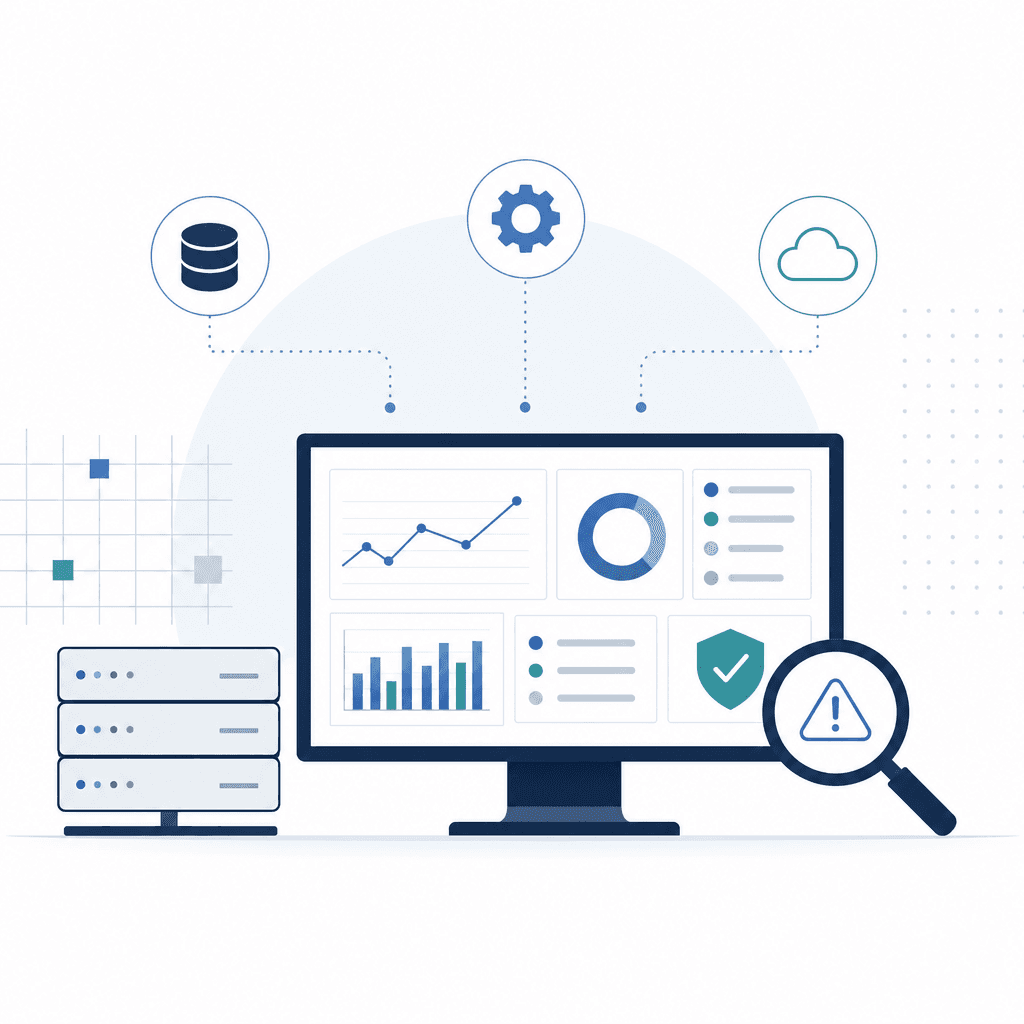
Most Oracle EBS problems don't arrive without warning. Slow concurrent requests, tablespace growth, memory pressure — they build gradually, quietly, until something breaks or corrupts. The difference between a five-minute alert and a four-hour production incident almost always comes down to whether someone was watching the right signals.
That's what AppsolveGroup's monitoring service is built around.
What Our Monitoring Covers
Our oracle ebs technical support monitoring covers five core areas of your environment.
Environment Health Checks
We run scheduled health checks across your application tier and database tier. Server responsiveness, Apache/OHS process status, JVM heap usage, file system utilisation — everything logged and trended. Gradual degradation is often more dangerous than hard failures. It's slower, quieter, easier to miss.
Alert Thresholds
Every monitored metric has defined warning and critical thresholds. We don't apply generic defaults.
During onboarding, we profile your system under normal load and calibrate thresholds to your actual usage patterns. This cuts false positives significantly. When an alert fires, it means something.
Database Availability Monitoring
Listener status, archive log space, undo tablespace consumption, redo log switching frequency, long-running sessions — monitored continuously. Tablespace monitoring includes growth trend tracking, so we can project when a segment needs attention and schedule maintenance in a window rather than scrambling during an incident.
Concurrent Manager Oversight
The Concurrent Manager is one of the most common sources of silent failure we see in Oracle EBS environments.
We track manager availability, queue depth, request failure rates, and stuck or stalled jobs. If a manager goes down or a critical request type starts failing at an abnormal rate, our team is notified immediately — not when a user raises a ticket the next morning.
Escalation Protocols
Alerts route through a defined escalation path. Tier 1 triage starts within minutes of alert generation. If the issue isn't resolved within the defined window, it escalates automatically to a senior DBA or functional consultant. You're notified at each stage — no gaps, no guessing.
< 15 minutes
AppsolveGroup's target mean time to acknowledge (MTTA) for critical Oracle EBS alerts, based on internal SLA data across managed support clients.
Source: AppsolveGroup Internal SLA Data
Incident Detection to Resolution: How the Flow Works
Knowing the sequence from alert to resolution means your team understands exactly what happens when something goes wrong — and can confirm nothing is falling through the gaps.
Oracle EBS Incident Detection to Resolution Flow
Step 1
Alert Triggered
Monitoring tools detect a metric crossing a defined threshold — for example, concurrent manager queue depth exceeding normal range or tablespace utilisation reaching 85%. An automated alert is generated and logged.
Step 2
Tier 1 Triage
A support engineer acknowledges the alert within the SLA window and performs initial triage: confirming the issue, assessing impact, and determining whether it can be resolved at Tier 1 or requires escalation.
Step 3
Escalation (if required)
If the issue cannot be resolved within the Tier 1 response window, it escalates automatically to a senior DBA or functional consultant. The client is notified of the escalation and the engineer assigned.
Step 4
Diagnosis and Fix
The assigned engineer investigates root cause — reviewing alert logs, trace files, session activity, or application server logs as appropriate — and applies a fix or workaround to restore normal operation.
Step 5
Confirmation and Communication
Once resolved, the engineer confirms system health and closes the incident. A brief summary is provided to the client, documenting what happened, what was done, and whether any follow-up action is needed.
Step 6
Post-Incident Review
For significant incidents, we conduct a root cause analysis and document any changes to monitoring thresholds, patch requirements, or configuration adjustments to prevent recurrence.
Why Reactive Support Isn't Enough
Waiting for users to report problems means the problem has already hit productivity, data integrity, or both.
Some of the most serious Oracle EBS issues — archive log space exhaustion, undo contention, runaway concurrent requests — can go from minor to critical in under an hour. We see this constantly during technical audits: teams who thought their monitoring was adequate, until it wasn't.
Proactive monitoring also reduces total support effort over time. Catching a tablespace issue at 2am takes minutes. Recovering from a database that went read-only during business hours because archive logs filled up can take most of the day, plus significant post-incident cleanup.
AppsolveGroup's monitoring service isn't a dashboard you manage yourself. It's a staffed, active function — alerts go to engineers who respond, investigate, and fix.
Key Takeaways
- ✓Proactive Oracle EBS monitoring focuses on trending and threshold-based alerting, not just hard failures — gradual degradation gets caught before it becomes an outage.
- ✓Concurrent Manager oversight is a critical component often overlooked in standard monitoring setups; silent failures here frequently go undetected until users report missing outputs.
- ✓Alert thresholds should be set against your environment's actual baseline, not generic defaults, to reduce noise and improve signal quality.
- ✓A defined escalation protocol ensures every alert has a clear owner and that senior resource is engaged automatically when Tier 1 can't resolve within the SLA window.
- ✓Post-incident reviews on significant issues drive threshold refinements and configuration improvements that reduce recurrence over time.
- ✓Proactive monitoring typically reduces total support effort by addressing issues during off-hours maintenance windows rather than during high-impact business-hours incidents.
Oracle EBS Patching, Upgrades and Release Management
Patching Oracle E-Business Suite is one of the more demanding aspects of oracle ebs technical support. Unlike simpler software environments, EBS patching involves multiple interdependent layers — each requiring careful sequencing, testing, and validation before anything goes near production.
Understanding the Patching Landscape
Oracle releases several categories of patches for EBS. Each one serves a different purpose.
Critical Patch Updates (CPUs) come out quarterly and address security vulnerabilities across Oracle's technology stack — the database, application tier, middleware. Skipping CPUs isn't just a technical risk. It's a compliance risk.
One-off patches target specific defects: functional bugs, performance regressions, data integrity issues. These typically come out of Oracle Support requests and need to be tested against your existing patch level before you apply them.
AD and TXK patches update the core patching framework itself — AutoPatch, AD Utilities — and the underlying technology stack components like Java, OHS, and WebLogic. They must be applied in a specific order. They're also often prerequisites for product-level patches, and missing an AD or TXK dependency is one of the most common causes of failed patch runs we see during audits.
EBS release updates — moving from EBS 12.2.x to a later update, for example — are a different scale of work entirely. Coordinated changes across applications, database, and technology stack. A full pre-upgrade assessment, downtime planning, thorough regression testing. Not a routine task.
In our experience managing EBS environments across multiple industries, deferred patching rarely saves time — it compounds it. Each skipped CPU or release update adds to the remediation effort later, particularly when Oracle support for a given patch level ends.
AppsolveGroup's Approach to Patch Management
Our patch management process is built around three things: controlled scheduling, environment parity, and documented rollback.
Controlled scheduling means no ad hoc patching. We maintain a patching calendar aligned with Oracle's quarterly CPU cycle, your change control windows, and any business blackout periods. Your team knows what's being applied and when.
No surprises.
Environment parity is non-negotiable. Every patch goes through a lower environment — development or UAT — before it touches production. We run AutoPatch in test mode first, review the patch log for conflicts or missing prerequisites, and confirm clean completion before promoting. This matters especially with one-off patches, which can behave differently depending on your environment configuration.
Documented rollback means every patch application comes with a pre-patch backup and a defined rollback procedure. In EBS 12.2, Oracle's online patching feature (adop) does reduce downtime through its cutover mechanism — but that doesn't replace rollback planning. It just changes what rollback looks like.
Advantages
- Oracle's adop online patching in EBS 12.2 significantly reduces patch downtime compared to earlier releases
- Quarterly CPU scheduling gives teams predictable maintenance windows
- Applying patches in lower environments first catches conflicts before they reach production
- Documented patch logs provide an audit trail for compliance purposes
Considerations
- AD and TXK patches can introduce unexpected dependency chains that extend patching timelines
- Online patching requires strict session management during the cutover phase
- One-off patches are not always forward-compatible with future CPUs, requiring re-testing after each quarterly cycle
- Environment parity is resource-intensive if lower environments are not kept close to production configuration
What Happens When Patching Is Deferred
We see this constantly. Usually in organisations without dedicated EBS DBA resource.
The short-term logic makes sense — patches take time, require downtime, carry risk. But the consequences stack up fast.
When CPU patches are skipped across multiple quarters, the gap between your current patch level and Oracle's current release widens. Catching up isn't simply additive work. Patch conflicts grow, prerequisite chains get longer, and regression risk increases with every skipped cycle. At a certain point, Oracle may require you to reach a minimum patch level before they'll even investigate a support request.
An unpatched environment can directly affect your access to support.
Functional one-off patches that get deferred don't disappear either. The defect sits there, waiting for the right data conditions or user action to surface in production.
⚠ Deferring Patches Without a Plan
Treating patches as optional until something breaks is a pattern that leads to accumulated technical debt, compliance gaps, and extended remediation timelines. The risk of applying a patch is almost always lower than the risk of running an unpatched environment for an extended period.
Release Management Beyond Patching
Patching is only part of the picture.
EBS environments need a broader release management discipline — coordinating application patches, database patches, and technology stack updates so they don't conflict with each other.
AppsolveGroup maintains a release registry for each client environment, tracking:
- ✓Applied patches and their completion status
- ✓Pending prerequisites flagged for upcoming cycles
- ✓Oracle-mandated updates on the horizon
That gives your team a clear view of where your EBS instance sits relative to Oracle's current supported configurations — and what work is needed to stay within that support envelope.
EBS Database Performance Tuning and Optimisation
Performance problems in Oracle EBS rarely announce themselves cleanly. More often, they surface as patterns — concurrent programs that run for hours instead of minutes, queries that execute fine in isolation but crawl under production load, users reporting slow screens during month-end close or payroll runs.
Left unaddressed, these issues compound.
A long-running concurrent request holds locks, which blocks other processes, which delays reporting cycles — and suddenly the finance team is working late to compensate for what is, at root, a database problem.
Finding where performance degrades means looking at several layers at once. The issue might be in the SQL itself — a full table scan where an index should be used. It might be memory configuration, where the shared pool or buffer cache is undersized for the actual workload. Or concurrent request management: too many requests running in parallel, competing for the same resources, with no prioritisation logic controlling the queue.
Slow Concurrent Programs Are a Signal
When concurrent programs take significantly longer than their historical baseline, it almost always indicates a database-level problem — degraded statistics, locking contention, or resource misconfiguration — not just a busy period.
Our approach to oracle ebs technical support for performance issues is methodical, not reactive. We start with SQL analysis — identifying the statements consuming the most resources using AWR, ADDM, and SQL Monitor. We examine execution plans, look for plan regressions where the optimiser has chosen a worse path than it previously used, and check whether stale statistics are driving poor decisions.
This is where most of the gains are.
From there, we move to indexing. Oracle EBS ships with a large number of standard indexes, but custom development, data growth, and schema changes create gaps over time. We assess which indexes are being used, which are redundant and adding overhead to DML operations, and where missing indexes would meaningfully improve the slowest transactions.
Memory and resource configuration runs in parallel with that review. SGA and PGA allocations need to reflect the current workload — not the profile from three years ago when the system went live. Database parameters that directly affect EBS behaviour also need attention: cursor sharing settings, parallel query configuration, undo retention, and others that frequently drift out of alignment as the environment evolves.
In most EBS environments we assess, the largest performance gains come not from hardware changes but from correcting execution plan regressions and addressing outdated statistics on high-volume transaction tables. The database already has what it needs — it just isn't using it efficiently.
Concurrent request management is one of the most consistently overlooked areas in performance reviews. We see this constantly during technical audits. The configuration of concurrent managers — number of managers, workshift schedules, request prioritisation — has a direct impact on how responsive the system feels to end users. Poorly configured managers create artificial bottlenecks where high-priority processes sit in a queue behind low-priority batch jobs.
It's a fixable problem. But only if someone's actually looked at it.
EBS Performance Tuning Review Areas
- ✓AWR and ADDM analysis to identify top SQL by resource consumption
- ✓Execution plan review and identification of plan regressions
- ✓Database statistics currency check on key EBS transaction tables
- ✓Indexing audit: usage, redundancy, and gap analysis
- ✓SGA and PGA sizing review against current workload
- ✓Concurrent manager configuration: manager counts, workshifts, and priorities
- ✓Parallel query and resource plan settings assessment
- ✓Review of wait events and contention patterns during peak periods
A common example from the kind of environment we audit regularly. A mid-sized manufacturing business on Oracle EBS R12 finds their month-end close — previously finishing overnight — is now running into the following business day. The delay traces back to a small number of concurrent programs handling cost rollup and journal generation. Statistics on several key cost accounting tables hadn't been gathered in months. A misconfigured maintenance window was the culprit, leaving the optimiser generating inefficient execution plans. Refreshing statistics and pinning the corrected plans cuts the runtime of the affected programs by more than half.
No hardware changes. No emergency patches.
Performance tuning in Oracle EBS is not a one-time exercise. Data volumes grow, usage patterns shift, and new patches land — all of which can move the baseline. Our ongoing oracle ebs technical support engagements include regular performance reviews as standard, so issues get caught and addressed before they start affecting business operations.
The database already has what it needs — it just isn't using it efficiently.
DBA Technical Support vs Functional Support: How They Work Together
Oracle EBS support always involves two disciplines. DBA and technical on one side, functional on the other. Both matter — but most issues don't sit neatly in either camp. They touch both. And when those teams operate in silos, whether internal departments or separate vendors, tickets stall at the boundary while the business waits.
Knowing where each discipline starts and stops, and how handoffs should actually work, is what separates a support model that functions from one that frustrates.
What Each Team Owns
DBA and technical support owns the infrastructure Oracle EBS runs on. Database health, application tier performance, patching, concurrent processing, log errors, server configuration — anything below the application layer. System slow? Throwing ORA- errors? Won't start? That's a DBA and technical concern.
Functional support is a different scope entirely. It covers how the application is configured, how business processes are set up, and whether the system is behaving correctly for end users. Setups, workflows, approvals, user access, and the logic behind how modules like Financials, Procurement, or Order Management actually operate.
| Area | DBA / Technical Support | Functional Support |
|---|---|---|
| Primary ownership | Database, application tier, infrastructure, patching | Module configuration, business process setup, user workflows |
| Typical tickets | ORA- errors, slow concurrent requests, patch application, server alerts, login failures at the DB level | Approval hierarchy issues, incorrect accounting rules, missing setups, period close problems, user access by responsibility |
| Performance issues | Query tuning, index analysis, resource contention, memory and CPU at the server level | Slow screens caused by misconfigured processing options or unnecessarily complex workflow rules |
| Escalation path | Escalates to functional support when root cause is configuration or setup, not infrastructure | Escalates to DBA/technical support when behaviour points to database errors, missing patches, or server-side failures |
| Patching | Applies patches at the database and application tier | Validates that patches have not broken functional behaviour or setups |
Where Tickets Land and Where They Escalate
Most tickets don't arrive with a label.
A user reports that a supplier invoice isn't posting. Is that a functional setup problem with the accounting rules, or is there a database constraint failure underneath it? You won't know until someone actually investigates.
In a well-run support model, the first responder — DBA or functional — does enough initial triage to determine which domain owns the problem, then routes it correctly. Escalation runs both ways. A DBA who finds no technical fault passes the ticket to functional. A functional analyst who sees the issue only occurs under load, or spots a database error in the log, escalates back to the technical team.
The tricky part is that this handoff only works smoothly when both sides are already talking.
Escalation needs clear ownership
When DBA and functional support are separate teams or vendors, escalation paths break down. Tickets bounce, both sides wait for the other to act first, and resolution times stretch. Clear ownership at each stage prevents this.
Why the Gap Between Teams Causes Problems
The most common support failure in Oracle EBS environments isn't within either discipline. It's in the space between them.
We see this constantly during technical audits. When the DBA team and functional team report to different managers, work to different SLAs, or sit with different vendors, neither side has strong incentive to own the boundary. Tickets move slowly because each team is waiting for the other to confirm scope before acting. Nobody wants to own something that might belong to someone else.
This is particularly bad with functional support tickets that have a technical dimension — concurrent program failures, workflow issues tied to missing patches. Without a direct working relationship between the two disciplines, these cases drag on far longer than they should.
The same applies to customisation and CEMLI support. A custom report or interface breaks because of a patch applied at the technical layer. Resolving it requires both teams working together from the start — not one team filing a request and waiting.
How AppsolveGroup Bridges Both
AppsolveGroup provides Oracle EBS technical support across both disciplines from a single team. DBA engineers and functional consultants work within the same support structure. Shared ticketing, shared visibility into the environment, direct communication when an issue crosses the boundary.
A ticket about a posting failure doesn't sit in a queue waiting for a handoff. The team triages it together, determines where the root cause sits, and the right person acts. If it's technical, the DBA resolves it. If it's functional, the consultant steps in.
If it's both — which is common — they work it in parallel.
That structure removes the escalation delay that plagues split-vendor models. It also means that when a patch or upgrade introduces a functional regression, both sides are already working together rather than waiting for a formal escalation to kick things off.
For businesses running Oracle EBS who are tired of tickets bouncing between teams, removing that boundary has a direct, measurable impact on resolution time.
Speak to an Oracle EBS Technical Support Expert
If you're responsible for an Oracle EBS environment — CTO, IT manager, infrastructure lead, whatever the title — the questions you're actually asking are practical ones.
How fast can someone respond when something breaks? Do they know EBS well enough to hit the ground running, or will you spend the first month bringing them up to speed? Will they understand your specific setup?
Those are the right questions. Here's how we answer them.
What to Expect When You Engage Us
We start with a scoping conversation. Not a sales pitch.
Before anything is agreed, we want to understand your environment: EBS version, database tier, pat
Talk to an Oracle EBS Technical Support Expert
Whether you need full managed DBA cover or targeted specialist input alongside your existing team, we start with a scoping conversation — not a sales pitch. Tell us about your environment and we'll tell you honestly what support looks like.
Request an EBS Support AssessmentYou might also find helpful
Oracle EBS Support and Managed Services
Overview of AppsolveGroup's full Oracle EBS managed support and services offering.
Oracle EBS Upgrades and Patching
Managed patching and upgrade services for Oracle E-Business Suite environments.
Oracle EBS Performance Tuning
Database and application-tier performance tuning for Oracle EBS.
Oracle EBS Cloud Migration
Guidance and support for migrating Oracle EBS workloads to cloud infrastructure.
Oracle EBS Functional Support
Functional configuration and business process support across Oracle EBS modules.
Talk to an Oracle EBS expert
Talk to APPSolve Group for clear, practical guidance from an experienced Oracle partner.
Get in touch about Oracle EBS DBA and technical support
Sisanda and Riaan and the wider APPSolve Group team can talk through your situation — no obligation, no generic sales pitch. Just a direct conversation about what a realistic path forward looks like.